Exam prep
Exam prep turns your course into a plan for every topic up to exam day. The agent reads your course and your past exams, sets out the topics in the order your lectures teach them, and keeps track of how well you know each one as you learn, practise and sit mock exams.
All of it is built from your own material: your course, your lectures and your past papers. So what you practise is what your exam covers, in the words your course uses.
How do I set up exam prep?
Exam prep starts from your course, so add your course to the project first. Then press Set up exam prep on the Home.
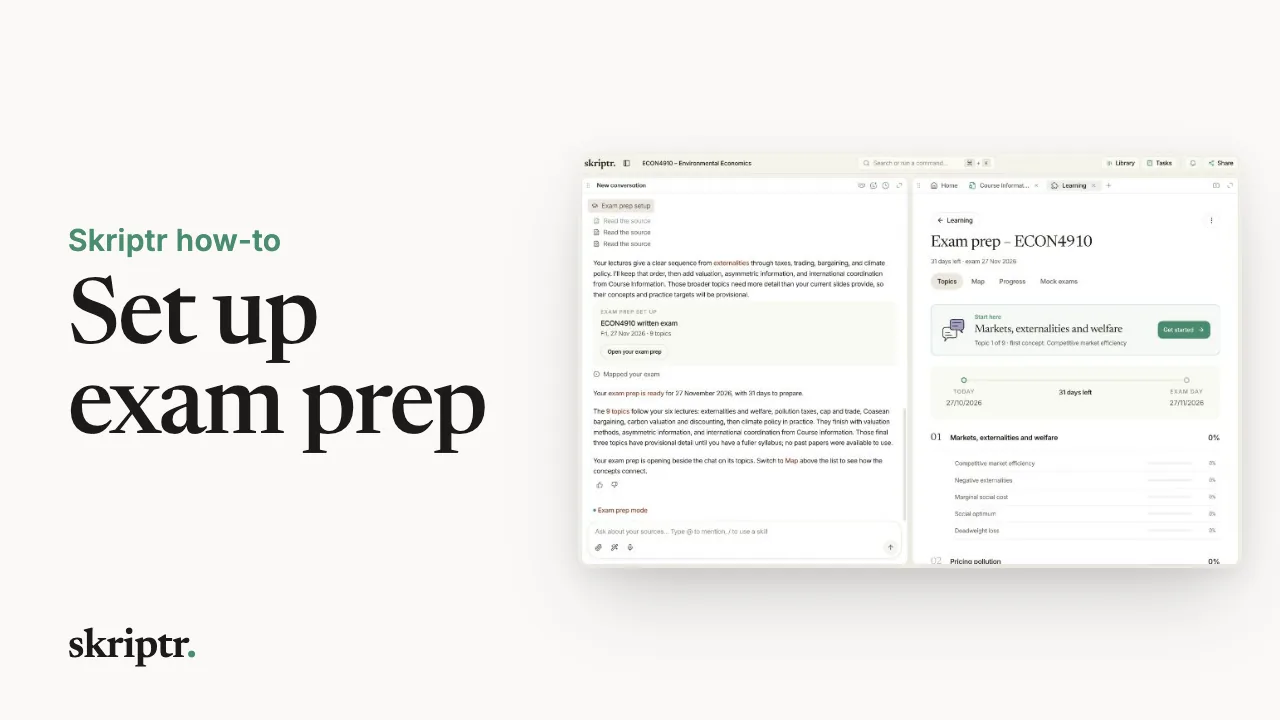 Play video: Set up exam prep,
The agent reads your course and looks for past exams, and asks before it adds any to your library. Tell it when your exam is: it counts the days you have left and plans around them. It may also ask for a course schedule or past papers. Upload them if you have them, or skip, and it works from your course and your lectures.
Your exam prep then opens in the Learning tab, beside the chat:
- Your topics, in the order your lectures teach them, each broken into the concepts it is made of. Start here marks where to begin.
- Map shows how the topics build on each other.
- Progress shows how far you’ve come, and whether you’re on pace for exam day.
How do I learn a topic?
Open it. You see the concepts it is made of, how well you know each one, and the ways to learn it:
- Carry on goes through the topic with the tutor, step by step.
- See it draws it for you as a diagram, one step at a time.
- A short video explains a single concept in a minute or two, drawn from your course.
Each concept has the same choices. Or ask the tutor directly: it explains from your own lectures, cites the pages, then checks that you understood.
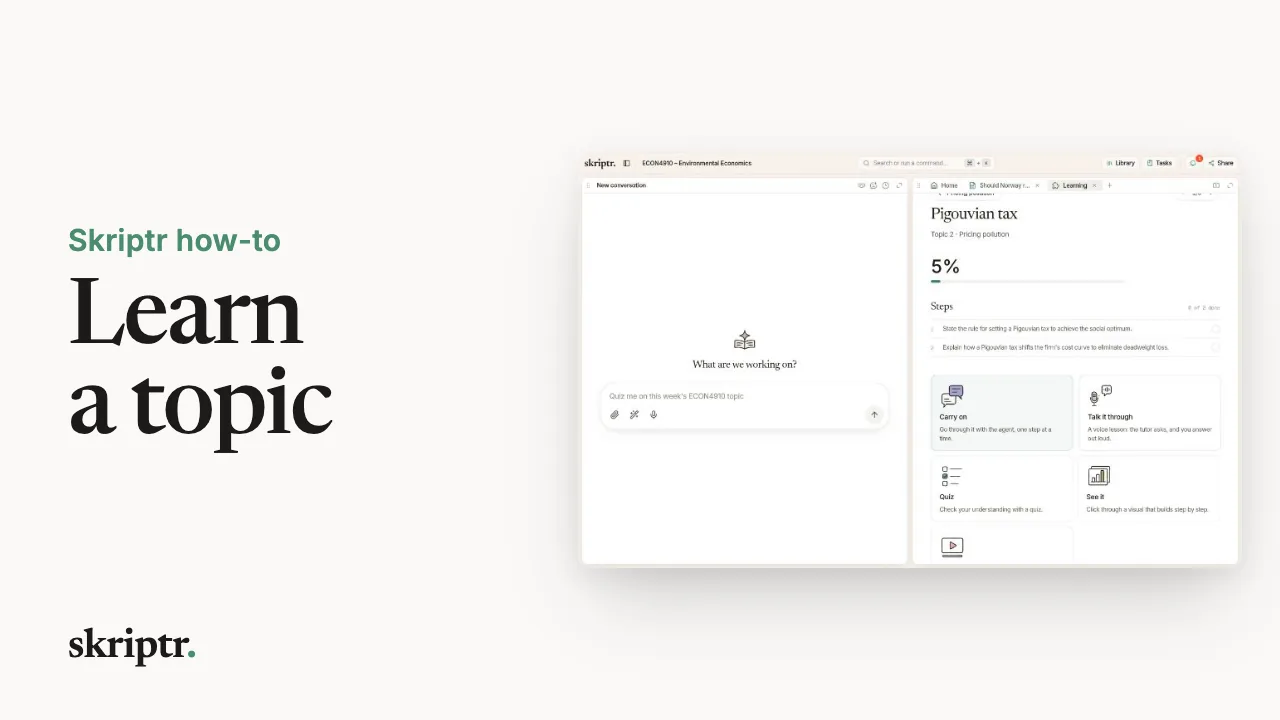 Play video: Learn a topic with the tutor,
How do I practise a topic?
Once it makes sense, test yourself, from the same topic:
- Quiz. Questions on the concepts you’re weakest at, each answer showing the page of your lecture it comes from. Some you answer in your own words, and the tutor marks them against a model answer and tells you what you got right.
- Flashcards. Flip the card, then say honestly how well you knew it. That decides when the card comes back.
- Talk it through. A voice lesson: the tutor asks, you answer out loud, and it builds on what you say. Good practice for an oral exam.
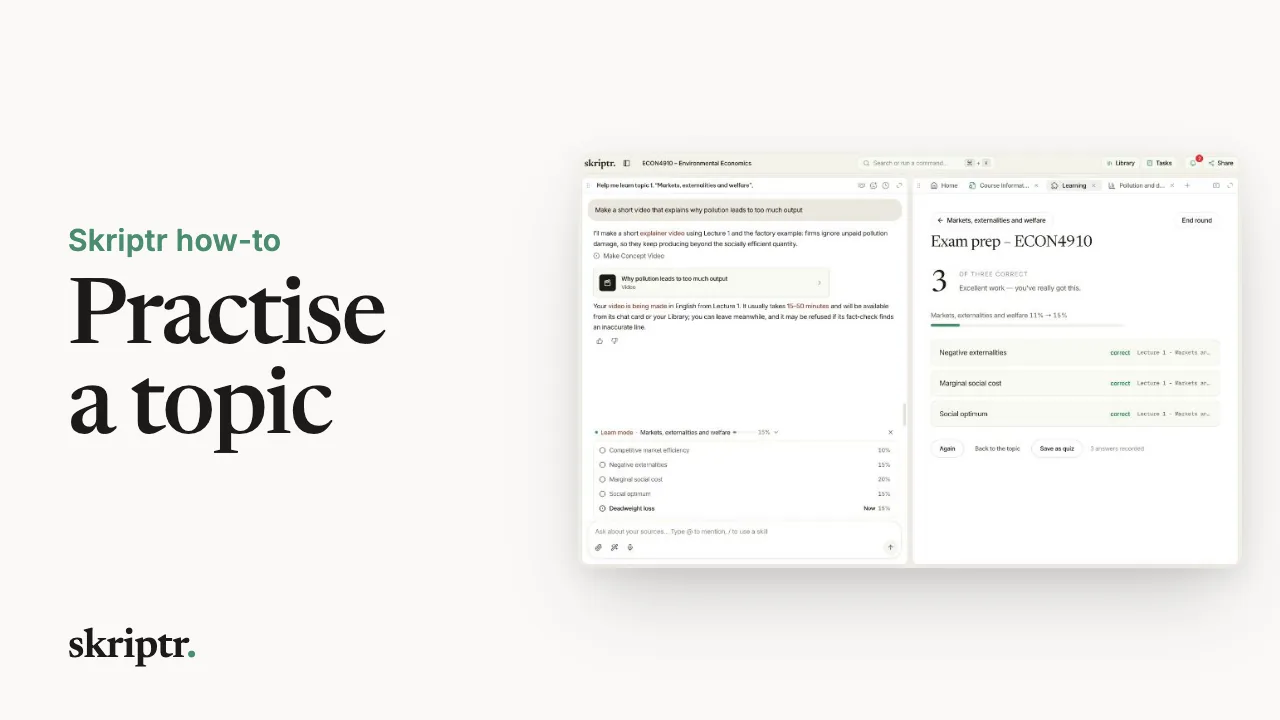 Play video: Practise a topic: quiz, flashcards, voice,
At the end of a round you see how the topic moved. Short rounds, often, beat one long session the night before.
In a voice lesson, your speech goes to OpenAI, our voice provider, to run the lesson. We save the lesson as text in your conversation and your answers in your progress. We don’t keep the recording.
How do I take a mock exam?
In your exam prep, open Mock exams and press Create mock exam. The agent reads the past papers in your library first, then writes a new paper in your exam’s format.
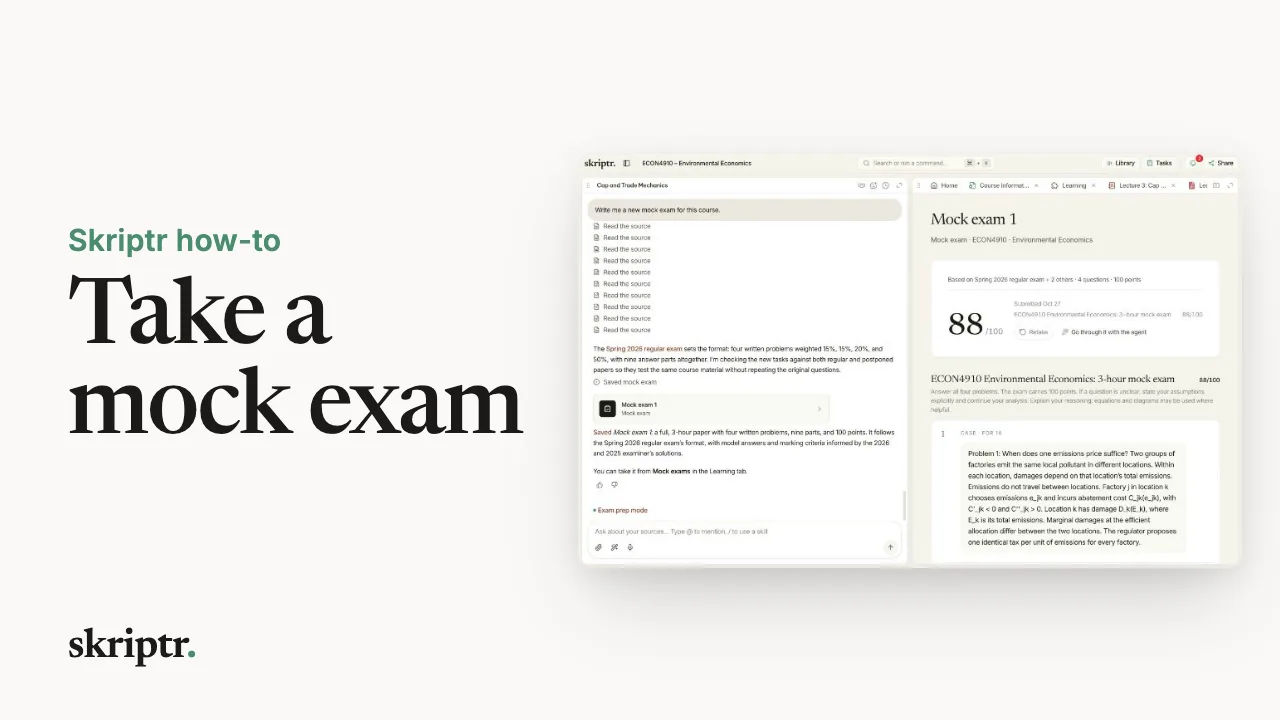 Play video: Take a mock exam,
Sit it like the real thing. Answer in any order; your answers save as you go. When you submit, every answer is marked against a model answer and the marking criteria. For each one you see what you got right, what’s missing and the model answer, and you can ask the agent about anything you want to understand better.
With no past papers or course material to work from, the agent writes the paper from general knowledge and its format is a best guess, and the mock exam tells you so. Upload past papers first if you have them.
Take one a week or two before the real exam, then work on the topics it shows you need most.
How is my progress measured?
By your answers. Every answer you give, in a quiz, a flashcard, a voice lesson or a mock exam, moves the same progress, for each concept and each topic.
Progress sets that against the calendar and tells you whether, at this pace, you’ll know what you need by exam day.
Where do I go next?
- Getting started. Adding your course to a project.
- Studying & learning. Being taught anything, not only your exam’s topics.
- Sources & your library. Getting your lectures and past papers in.
Still stuck?
If your exam prep is missing a topic, or a question asks about something your course doesn’t cover, tell us which course and which question. A plan built from your course should match your course.