
Skriptr for Mac
Your study workspace, now an app, with your own Claude or ChatGPT subscription.
Download for MacVersion 1.6.0 · macOS 12 or later · Apple silicon
Intel Mac? Download the Intel version
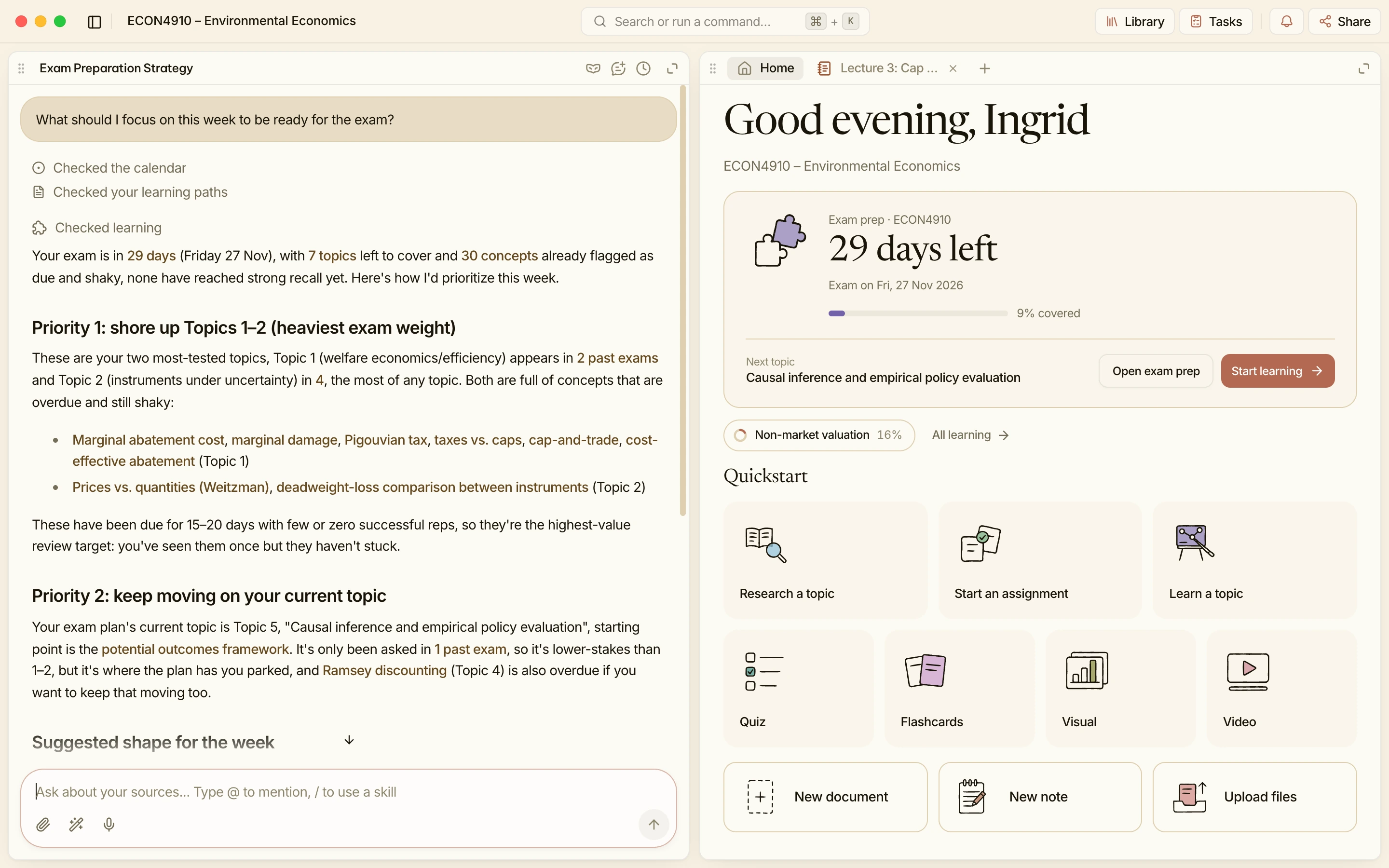
Bring your own agent
Works with Claude and ChatGPT
Use the subscription you already have. It works just like the Skriptr agent, right in your projects.
Your Claude plan
Sign in once with your Claude account.
Your ChatGPT plan
Sign in once with your ChatGPT account.
Questions about the app
Is the app free? Do I need an account first?
Yes, it’s free, and no. New to Skriptr? Create your account in the app. Already have one? Sign in, and your projects and your plan are already there.
Can I use Claude or ChatGPT in the app?
Yes, on the subscription you already have, and it works just like the Skriptr agent, in your projects. The app runs it through Claude Code or Codex, which come with your plan, so install the one you want first.
Is my work the same in the app and in the browser?
Yes. Everything is saved online, so what you write in the app is there when you open skriptr.ai in a browser, and the other way round.
Which Macs does it run on?
Macs with Apple silicon or an Intel chip, on macOS 12 or later. The big button is for Apple silicon; the Intel version is the link under it.
How do updates work?
They download in the background while you work. When one is ready, the app tells you, and a restart finishes it.
Does it work offline?
Not yet. The app needs an internet connection, just like skriptr.ai in a browser.
What about Windows?
A Windows version is coming. Until then, skriptr.ai works in any browser.